


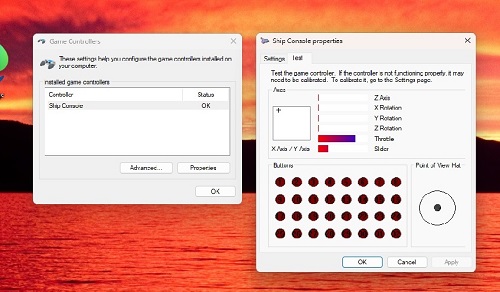
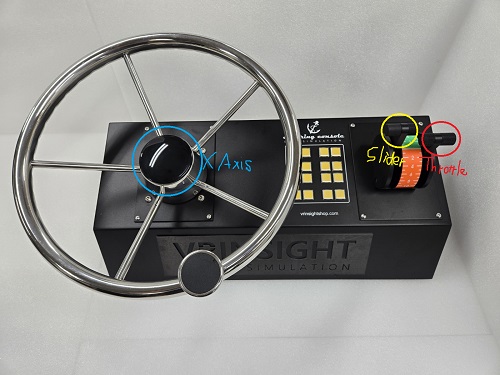
Calibration : 1. Please connect the steering console to the computer's USB port. 2. Go to “Control panel” -> “Set up usb game controller” 3. Check “Ship Console” 3. Click “Properties” -> “Settings” -> “Calibrate” Only the X-Axis, Slider, and Throttle are operated by the steering console.
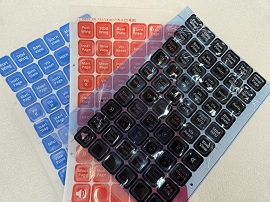
- Three-color button sticker
Steering Console
Feature
- Windows
7 or newer
- Fully
compatible with most ship and boat simulation software
- 6 turns Lock-to-Lock
Lock to Lock means turning the steering wheel all the way from one hard stop (extreme left/port)
to the other hard stop (extreme right/starboard)
- Twin
throttle control
- 16 Back_lit buttons with the three-color button sticker included in the package
: Black / Blue / Red
- USB 2.0/3.0 interface
- Support Microsoft Windows game controller
- Metallic housing
- Aluminum steering bar and lever
- Dimension:
54cm(L) x 37cm(W) x 23cm(H)
- Wheel
diameter: 34cm
- Weight: 8kg
- One
year warranty