
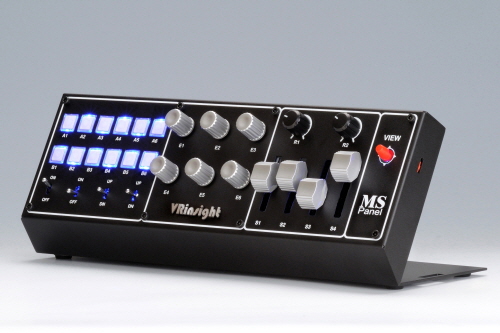
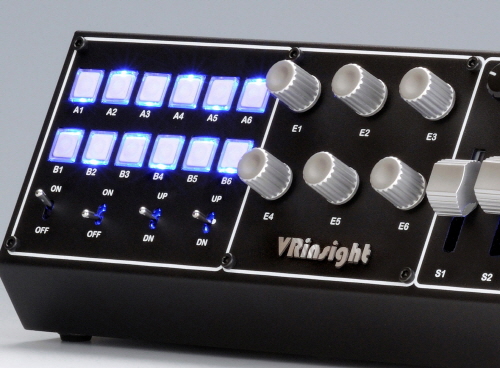
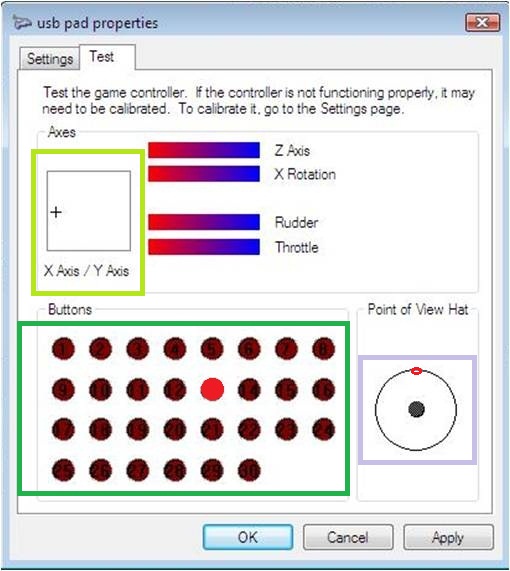
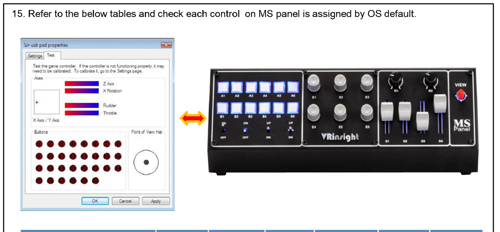
1. Connect the USB cable to your computer. 2. Go to "Control panel" -> "Game controller" 3. Check MS panel is recognized as "VRi Simulation Controller". 4. Click "Properties" -> Test all buttons and toggle switches.
FEATURE:
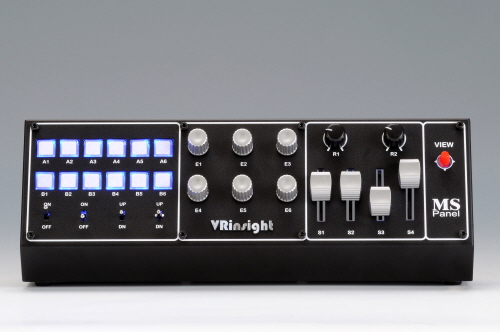
* Plug & Play installation
* No driver required
* Full metal case
* Windows game control device
* Backlit buttons (always on)
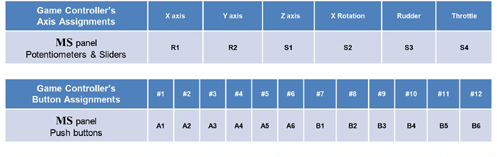
* Twelve push buttons
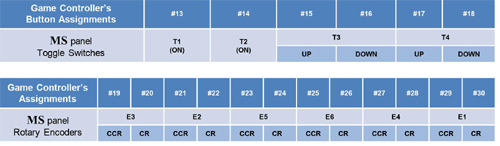
* Two 2-positions ON/OFF toggle switches
* One return toggle switch
* One 3-positions ON/OFF toggle switch
* Six encoder switches
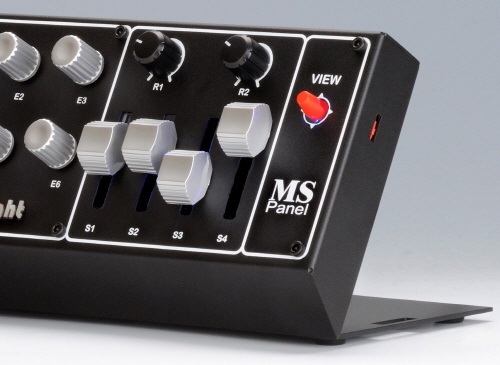
* Two potentiometers
* Four sliders
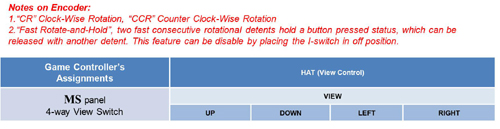
* One four position HAT view button
* Size : 30.5cm (L) x 12.5cm (W) x 11cm (H) / 12 inch (L) x 4.9inch (W) x 4.3 inch (H)
* Weight : 1.5kg
* One year warranty.
https://www.youtube.com/watch?v=jk4LNDSdetY