
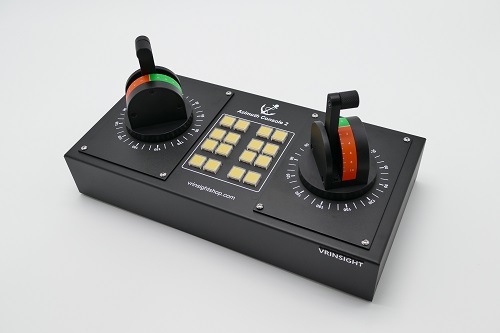
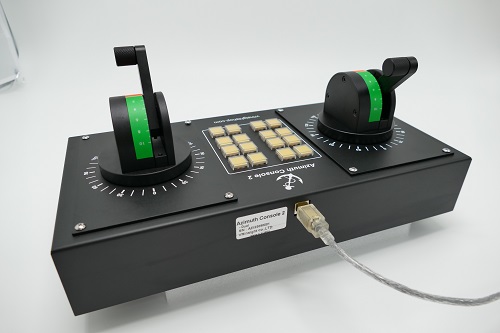


LED-backlit Button Switches
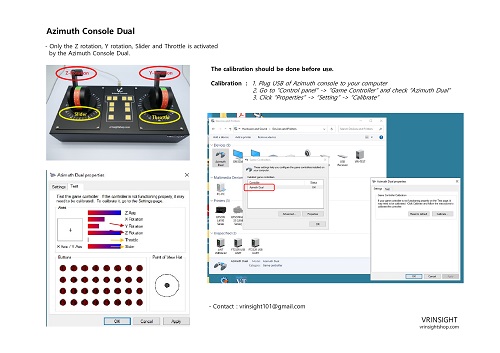
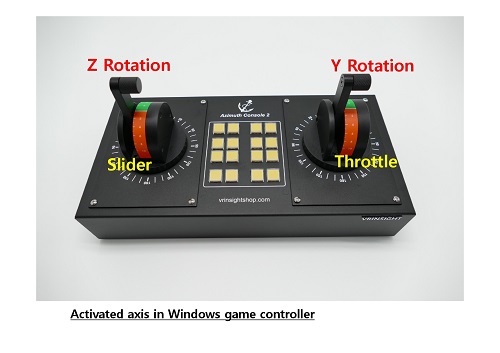
Only the Z rotation, Y rotation, Slider and Throttle in the game controller is activated by the Azimuth Dual.
Azimuth Console Dual
Features:
• Windows 7 or newer
• Fully compatible with all ship and boat simulation software
•
Dual azimuth thruster controller with dual axis
• Non-contacting hall effect single turn position sensor
• Provides accurate propulsion control of power and rotation for 360° thruster
•
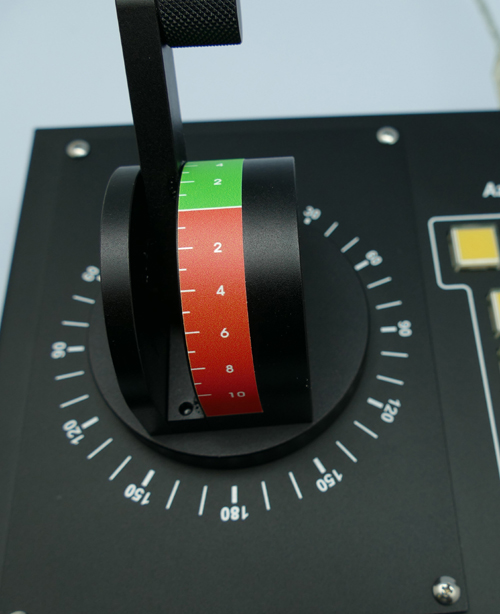
180° Y-axis
•
360º X-axis
• Every 90˚ idle detent such as a real tug handle
• 16 Programmable LED-backlit buttons with the button stickers
•
USB 2.0 interface
•
Support Microsoft Windows Game Controller
•
Metallic Housing
•
Coated aluminum lever
•
Dimension: 34cm(L) x 17cm(W) x 16.5cm(H)
•
Weight: 3.1kg
•
One year warranty
※ Since Azimuth Console is a type of joystick, calibration should be done before use.
1. Plug USB of the Console to the computer
2. Go to "Control panel" => "Hardware" => "Devices" => "Game Controller"
3. Check "Ship Console" is recognized as USB pad
4. Right-click => Click "Properties" => "Setting" => "Calibration"